 Esperanto
 Shqiptare
 Euskara
 Zulu
Zulu
 Latinus
 Cymraeg
 தமிழ்
தமிழ்
 Slovak
 Slovak
 Afrikaans

Products
Product Center
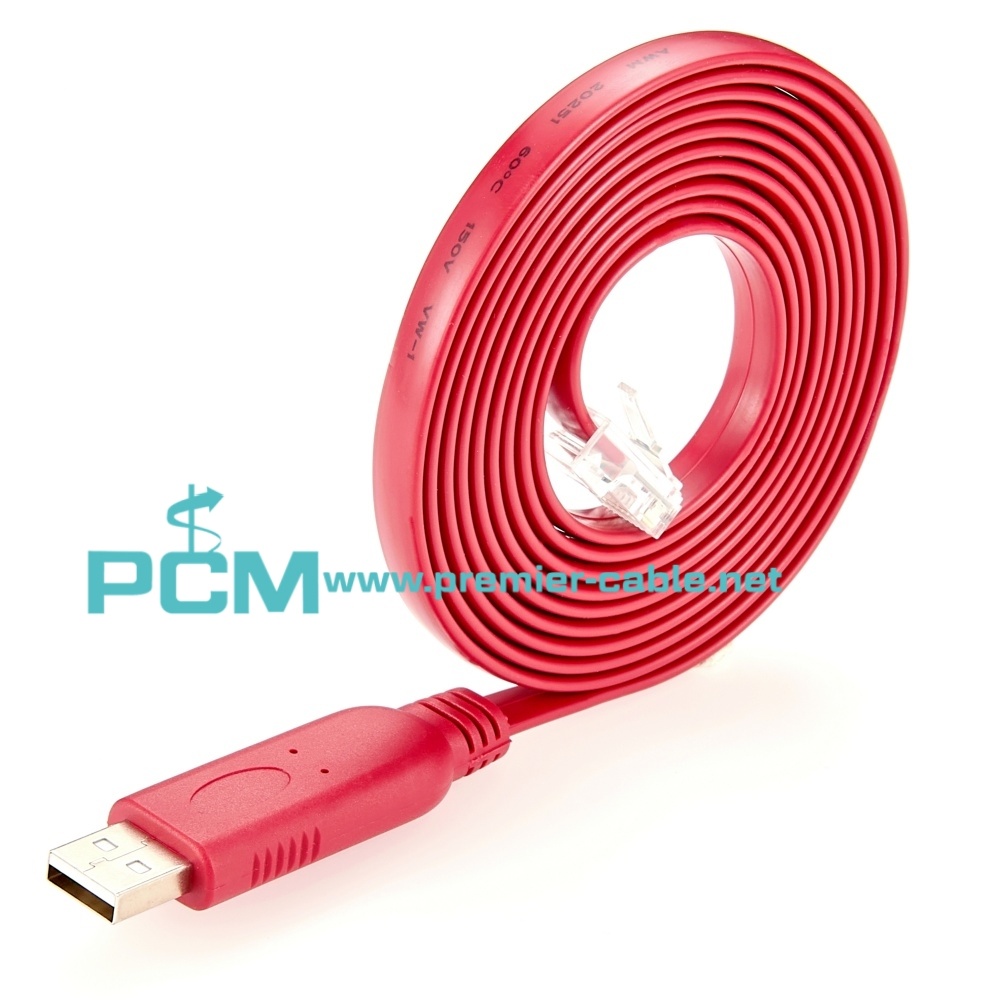


RS232 USB to RJ45 Console Cable with FTDI Chip
Part Number:
USB Console Cable
Category:
Cisco Console Cable
Products Description
| Product Name | RS232 USB to RJ45 Console Cable with FTDI Chip |
| DWG No. | USB Console Cable |
| Chip | FTDI FT232R |
| Connector A | USB2.0 Type A Male |
| Connector B | RJ45 Male |
| Cable Length | 0.5m, 1m, 2m, 3m, 5m or customized |
| Cable Type | USB Console Cable |
| Custom Service | Yes, OEM&ODM service is available. Please kindly contact us for details. |
What is the use of USB to RJ45 console cable?
The USB to RJ45 console cable is used to connect to the console interface of a network device through the USB interface of a computer so that the device can be directly managed and configured. The following are specific uses:
Configure and manage network devices: This cable allows access to the command line interface (CLI) of network devices through a serial connection. Administrators can perform operations such as configuration, change settings, and view status.
Device troubleshooting: When the network connection is abnormal (such as IP configuration problems), the device status can be viewed and troubleshooted through the console connection without relying on the network connection.
Adapt to devices without serial ports: Modern computers usually do not have serial ports. Through the USB to RJ45 console cable, the network device can be accessed directly through the USB interface, avoiding the trouble of using a serial port converter.
Device initialization: When a new device is started for the first time, basic configuration is usually required through the console interface, such as setting the IP address and access credentials.
Leave a Message
Make you smile , is our mission. We are glad to reply all your questions about cables processing or our products. Please fill in the table below. Thank you