 Esperanto
 Shqiptare
 Euskara
 Zulu
Zulu
 Latinus
 Cymraeg
 தமிழ்
தமிழ்
 Slovak
 Slovak
 Afrikaans

News Center
What does USB to serial port mean?
Publish:
2022-06-25 07:27
Source:
www.premier-cable.net
What does USB to serial port mean?
USB is the most widely used data transmission method at present, but some programming enthusiasts and software engineers are struggling to research and develop USB-compatible products. Why? Because the products programmed by ordinary VC cannot be recognized by UBS, nor can data be transmitted.
This requires adding the USB2.0 protocol. And this must require rich programming experience and familiarity with the USB2.0 protocol. But there is a method called USB to serial port, which can easily solve this problem. Let me introduce to you what a USB to serial port is.
What does USB to serial port mean ?
First of all, everyone is familiar with USB. Almost every modern digital device has a USB interface, which is not only a common interface, but also an important transmission protocol.
The data cables we see every day, as well as U disks, all use the USB protocol to save and transfer data.
Like USB, serial port is a tool for transferring data. Then USB to serial port is to transfer data from one form to another, so as to adapt to different machines.
For example, the 220V voltage must be converted into 12V voltage by the charger to charge the mobile phone. The data in the USB are all virtual analog signals, which need to be converted into electrical signals in the serial port before they can be recognized by the circuit, control circuits and machinery.
The specific method of USB to serial port
The specific method of USB to serial port is to input electrical signals from terminals such as computers, convert USB analog signals through the USB2.0 protocol to increase the transmission speed, and then parse the USB2.0 protocol through the serial port protocol converter and convert them into ordinary electrical signals. That is, the flow of current in the nine pins of the serial port.
In fact, the conversion of current to analog signal and then to current is completed, which can not only have the characteristics of USB fast transmission, plug and play, but also control terminal equipment and equipment using electrical signals.
The key to USB to serial port is the conversion and connection between the two center numbers, so what can convert between electrical signals and analog signals? That is the conversion line in the USB to serial port, which can also be called a converter Transmission line.
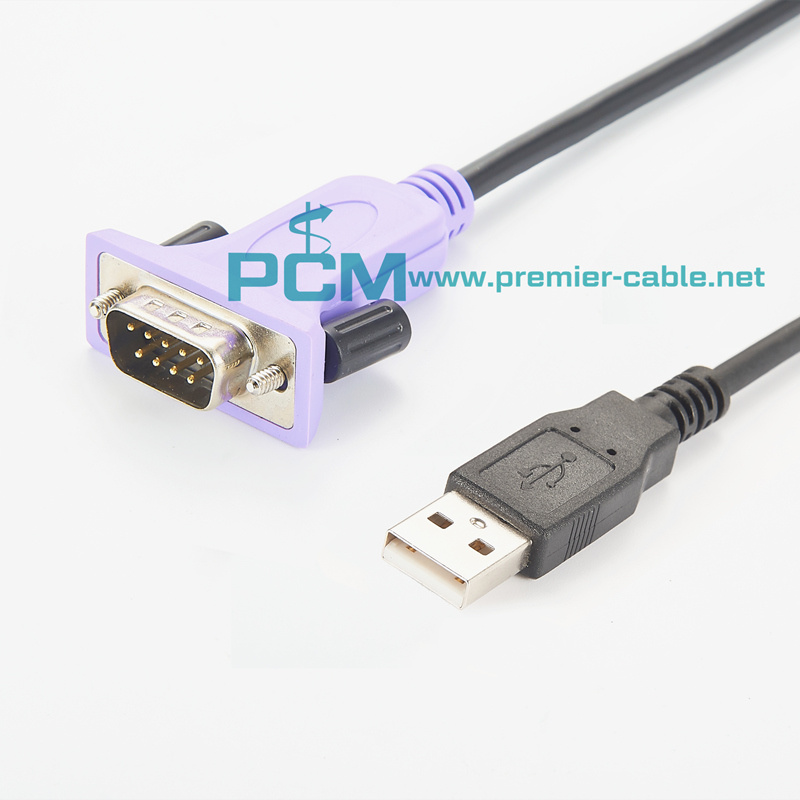
This line similar to a data line contains two ports and a converter, the two ports are respectively connected to the USB and serial port nine pins, and the converter in the middle completes the signal conversion. This is how USB-to-serial works.
How to use a USB-to-serial cable
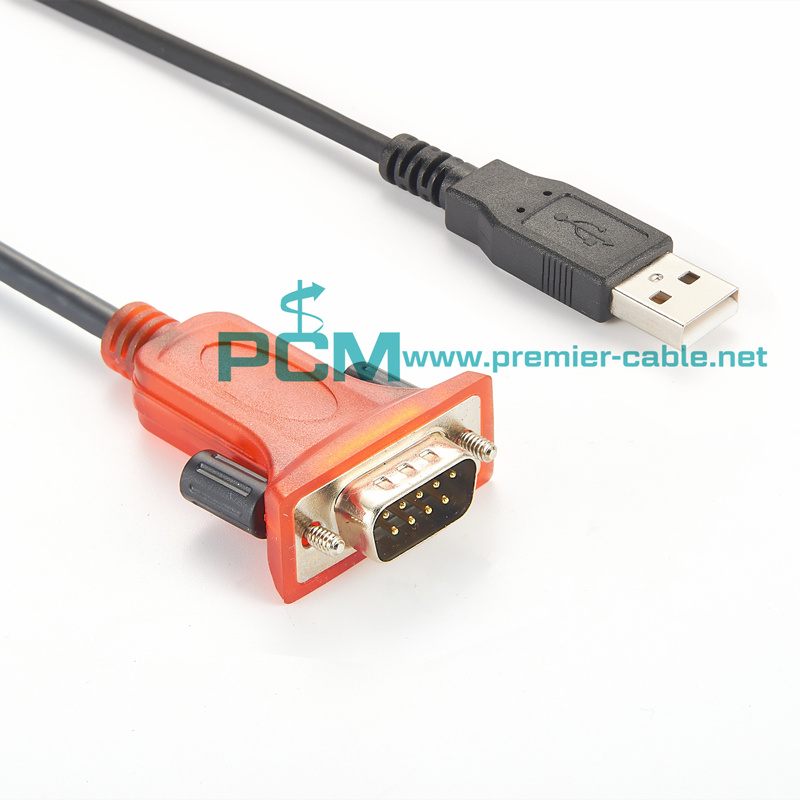
1. First prepare a USB-to-serial cable. You can see that one end of this data cable is a standard USB port, which can be connected to the U port of the notebook, and the other end is a standard 9-pin serial port male header, which can be connected to the target device.
2. Then install the driver of the USB-to-serial data cable. The driver file is usually on the CD-ROM that comes with the purchase of the data cable, or it can be downloaded from the Internet.
3. Double-click the setup driver installation file to install the driver on the notebook.
4. Plug the USB-to-serial data cable into the free USB data port of the computer. (In the picture below, the editor is connecting the data cable to the USB extension cable of the computer)
5. Because the serial port added by this data line is generally not the default serial port 1, you need to find the serial number of the new serial port first. Open [My Computer].
6. Right-click on [My Computer] and select [Devices].
7. You can see that the newly added serial port is [COM7] in the option of [Port].
8. Open the serial port assistant software, and select [COM7] in the position of the serial port number.
9. Click [Open Serial Port], you can see that the indicator light is on, indicating that the serial port connection is normal. In this way, you can debug the device through this new serial port.
Don't underestimate a small line, which contains the technology of protocol conversion. Thus, the virtual USB2.0 protocol is converted into electrical signals in the parallel lines in the serial port, so that the mission of the programmed program can be completed.
This technology is simple and simple, and it is the best auxiliary tool for programming enthusiasts and novice engineers. What are you waiting for, go buy a USB-to-serial cable and download a USB-to-serial driver
USB to serial port Cable
USB to serial port adapter
USB to serial port converter

Related News
10M Quad MATE-AX & HFM Mini FAKRA 4-in-1 Cable Assemblies Now Available – Stock Ready, No MOQ
The 10M Quad MATE-AX & HFM Mini FAKRA 4-in-1 Cable Assemblies is ideal for connecting cameras, sensors, radar modules, area controllers, and domain control units in modern vehicles, buses, coaches, passenger buses, trucks, and commercial transportation systems.
7/8" Power Cable Solution for AGV and AMR Robotics Applications
Premier Cable’s DeviceNet 7/8" power cables for AGV and AMR robots, deliver the stability, durability, and flexibility required for next-generation robotic systems. Start Your Custom Cable Project Today! Get reliable power solutions for your AGV or AMR system!
GMSL Camera Cables Solution for Automotive In-Vehicle Developer System and Robotic
Looking for reliable and customizable GMSL camera cables? Premier Cable provide GMSL, GMSL2, and GMSL3 camera cable with Fakra and Quad Fakra, customizable for NVIDIA DRIVE AGX Thor Developer Kit, automotive, unmanned vehicles, robotics, AMR, and smart cities.
Premier Cable MATE-AX & H-MTD GMSL Ethernet Cable for NVIDIA DRIVE AGX Thor Developer Kit
Premier Cable provide custom MATE-AX & H-MTD breakout cables for NVIDIA DRIVE AGX Thor, supporting humanoid robots, machine vision, Industrial Vehicles, Robotics, and Autonomous Machines.
How H-MTD Cable Empower Robotaxi and Autonomous Driving Systems
H-MTD cable assemblies enable high-speed automotive Ethernet for Robotaxi, supporting cameras, LiDAR, and ADAS with customizable solutions.
Premier Cable Launches TE 282762-1 2 Way Automotive Cable Assembly
Premier Cable introduces the TE 282762-1 AMP Junior Power Timer automotive wiring harness, customizable, and widely used in sensors, fuel injection, ignition systems, and turn signals.